31+ formats, AI,
finally readable.
Vizalyze is a local-first desktop app for MDF, TDMS, HDF5, CAN/LIN and 31+ formats. Ask Axy about your data, process signals, compare runs, apply standards templates, and batch-report without surrendering your raw files.
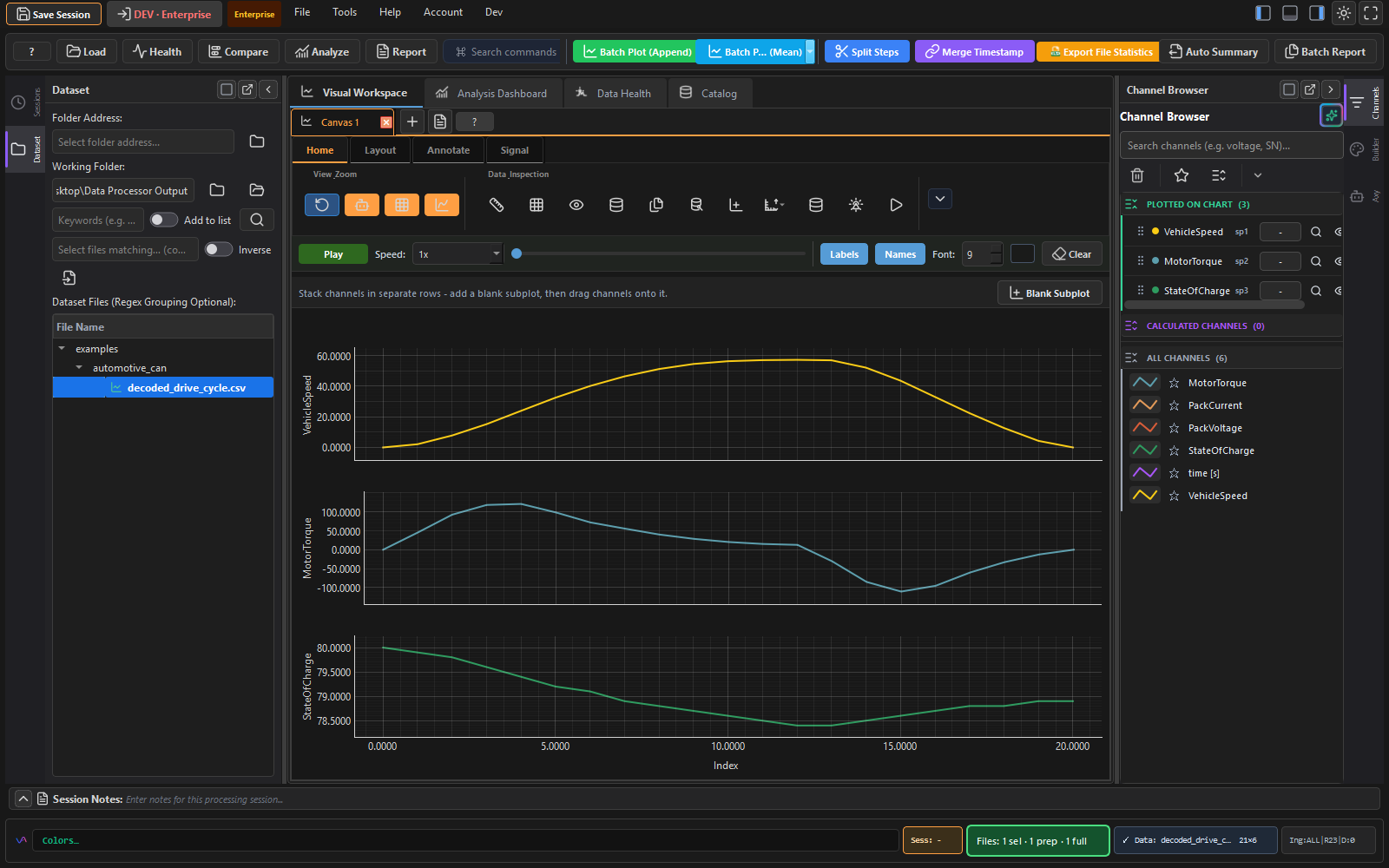
A DIAdem alternative built for engineers who need the whole workflow
31+ formats, one workbench
MDF/MF4, TDMS, HDF5, NetCDF, Parquet, MATLAB, CSV, Excel, CAN/LIN and specialist lab formats.
Axy AI built in
Ask about channels, anomalies, filters, report recipes, or chart setup using hosted AI, your own key, or local models.
Reports without the busywork
Build repeatable report templates, batch-generate outputs, and share results without emailing raw data.
31+ engineering, lab, and automotive formats - no conversion step
Point Vizalyze at raw measurement files and start working immediately. Smart import, content detection, channel metadata, units, and specialist packs keep more of the original context intact.
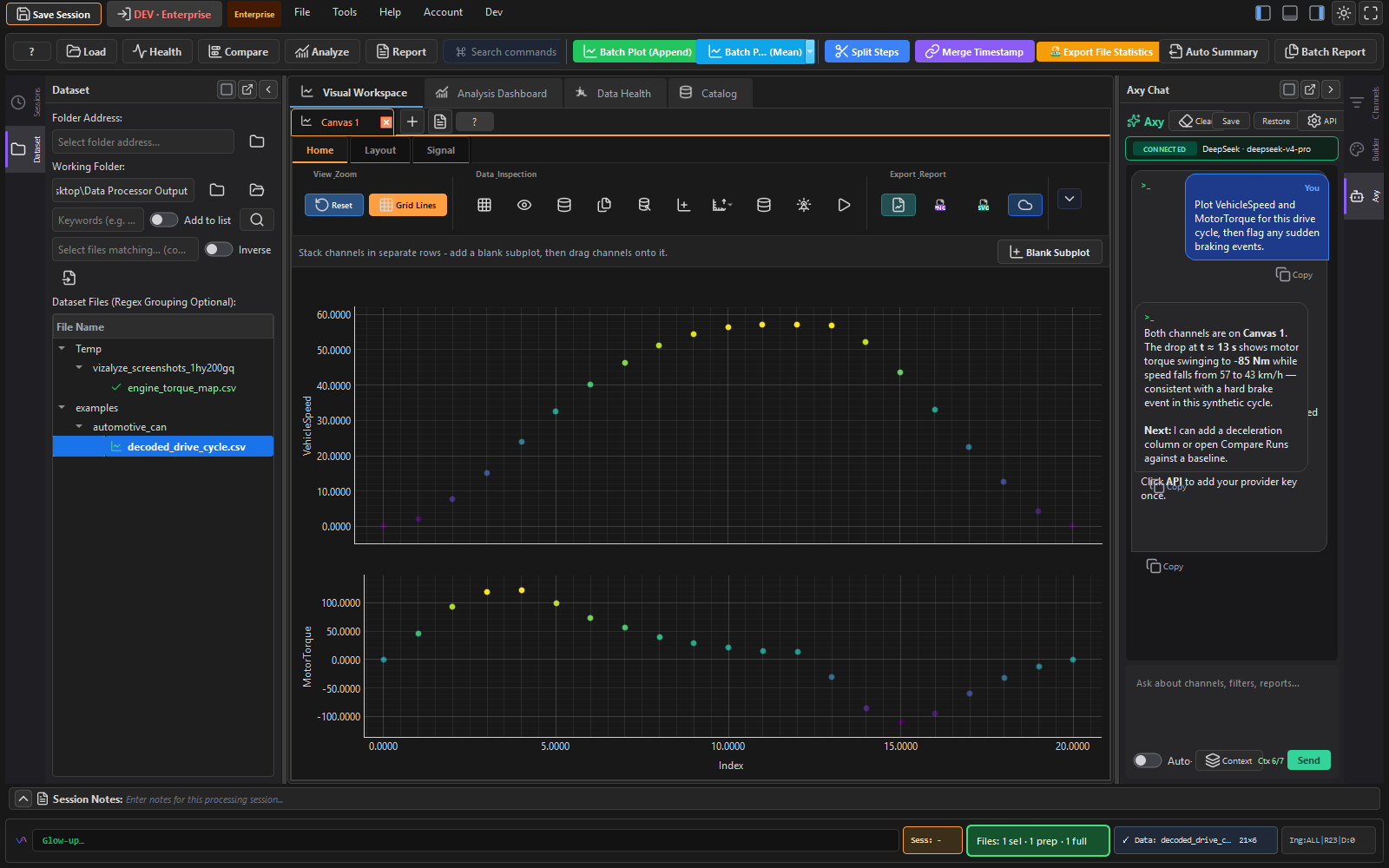
Ask your dataset what to look at next
Axy understands loaded channel names, statistics, and health findings. Use it to explain anomalies, suggest filters, draft summaries, or generate repeatable analysis steps.
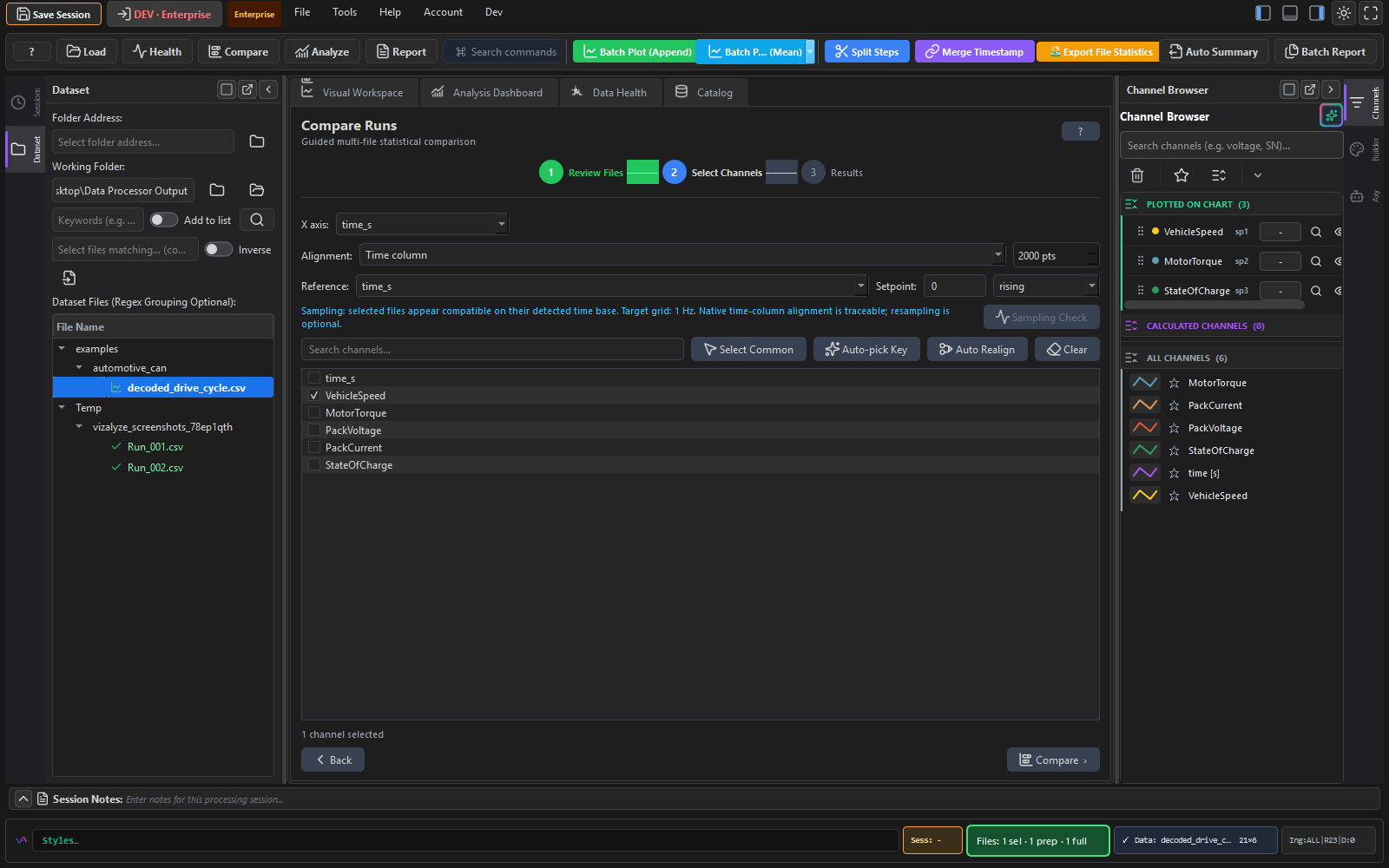
Overlay runs to see what actually changed
Load multiple test runs side by side, align them, overlay channels, and inspect deltas. It is built for spotting drift, regressions, and calibration changes without juggling exports.
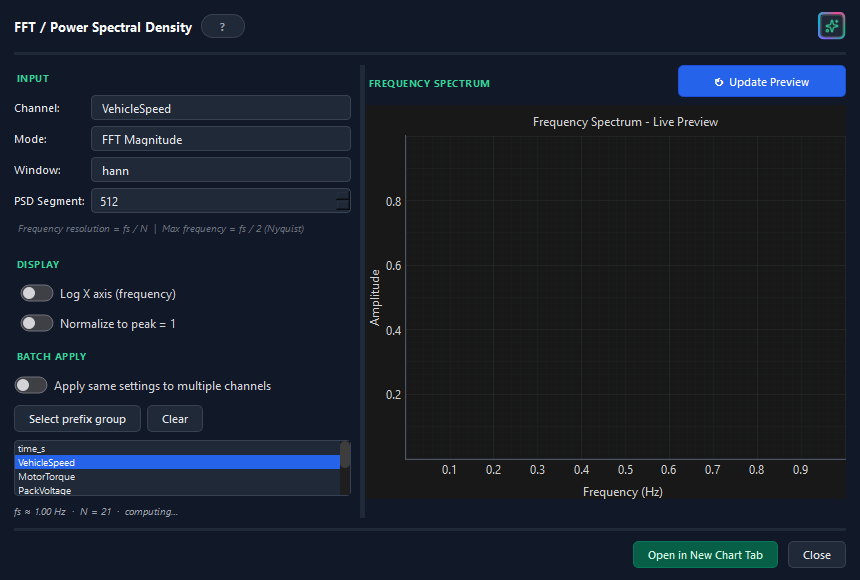
FFT and signal analysis built in
Run frequency-domain and time-domain analysis directly on imported signals - find noise sources, resonances, trends, and derived channels without exporting to MATLAB or Python first.
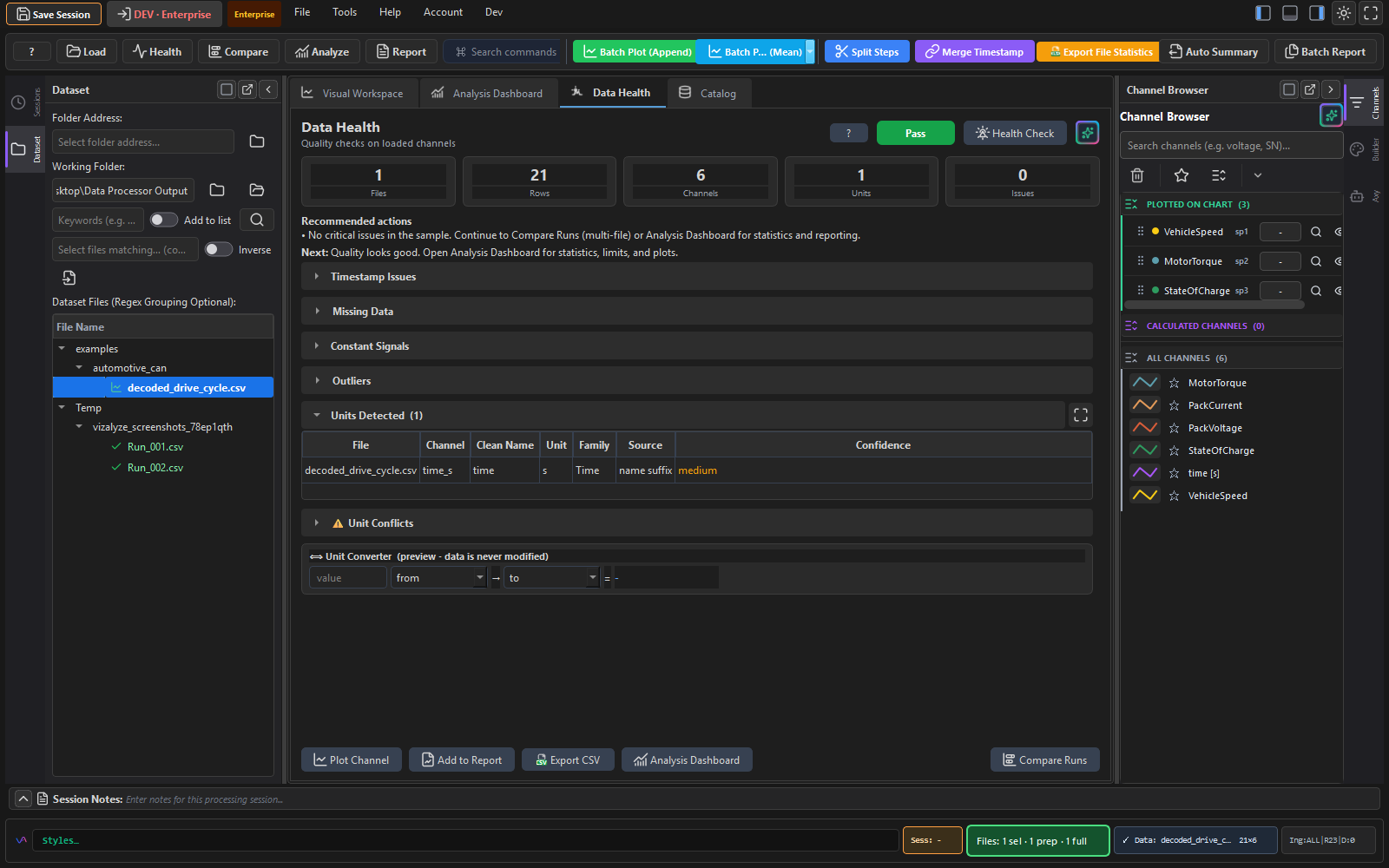
Catch bad data before it wastes an afternoon
Vizalyze flags gaps, dropouts and out-of-range values, then tracks load, transform, filter, merge and export steps so results stay reproducible.
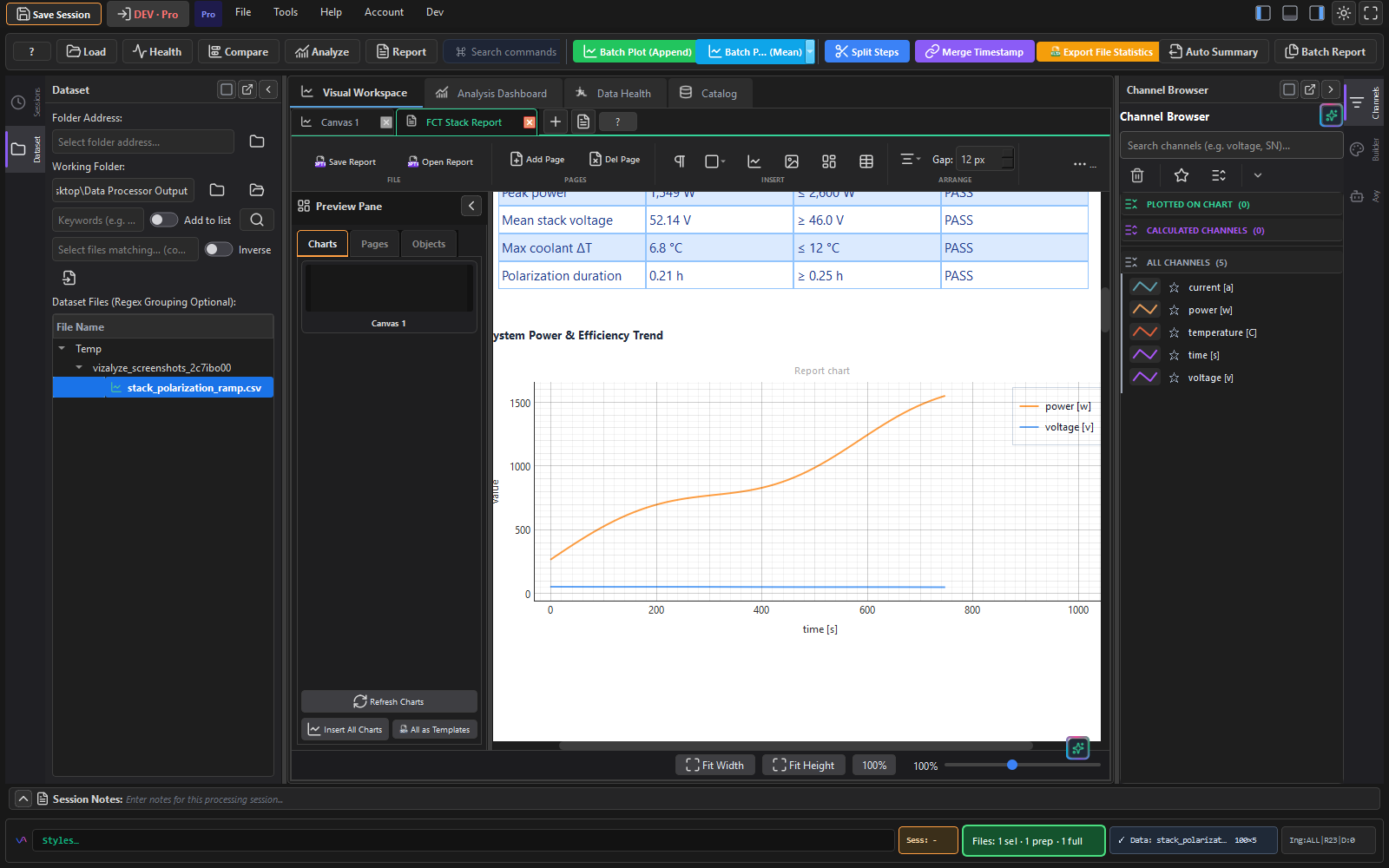
Build the report once, re-run it on every new dataset
Lay out charts, tables and annotations in a report template, then point it at new test data and regenerate. Pro workflows can batch-generate PPTX/PDF outputs and share results securely.
Built for engineers working with real measurement data
Decode CAN/LIN in MDF/MF4 files, apply EV signal presets, compare runs, and build repeatable reports.
Load TDMS and other instrument files into charts, signal processing, live monitoring, and batch reports.
Compare calibration runs, analyze signals, build 3D surfaces, and keep every transformation traceable.
Use extension packs for lab, scientific, pharma, and columnar data formats while keeping raw files local.